Why couples use Apple Maps Guides for weddings
An Apple Maps Guide lets you share all wedding-related locations in one link: ceremony venue, reception, recommended hotels, parking spots, after-party location. Guests tap the link and see everything on a map. No app downloads, no account needed.
Create your wedding location Guide
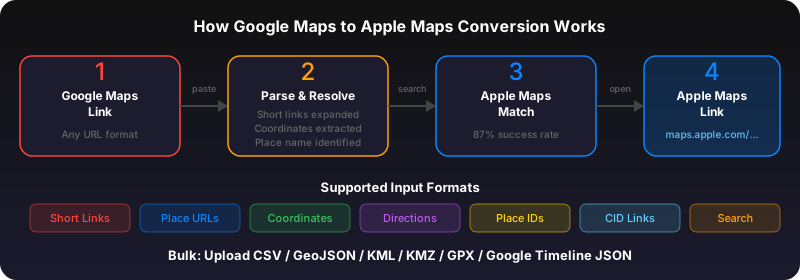
Collect Google Maps links for all your wedding locations. Paste them into the GoToAppleMaps bulk converter -- one link per line. Add names and notes (like 'Reception - starts at 6pm'). Convert and get a single Apple Maps Guide URL.
Share with your guests
Add the Guide link to your wedding website, send it in your Save the Date, or text it in your wedding group chat. Guests open it on iPhone, iPad, or Mac and can get directions to each location.
Use GoToAppleMaps to convert your Google Maps links to Apple Maps in seconds — free, private, no signup.
Frequently asked questions
The maps.apple.com link opens in any browser and shows an interactive map. Android guests can see all locations and get directions from the web page.